The Serendie MCP Server is a Model Context Protocol server that enables users of the design system to comfortably design and develop applications with AI agents.
By connecting this MCP server to various AI agents, the AI can autonomously obtain guidelines, best practices, and resource lists—including components and icons—provided by the Serendie Design System.
What is Model Context Protocol (MCP)?
Model Context Protocol is an open protocol for AI agents to connect to external data sources and services. The Serendie MCP Server provides guidelines published on this site, type information from Serendie UI, and more. By using the Serendie MCP Server, you can achieve an application development workflow that follows the Serendie Design System.
The Serendie MCP Server is published as a remote MCP server (Streamable HTTP Transport) and can be used immediately without any local setup.
The MCP server provides capabilities to AI agents in units called “tools.” The AI agent decides which tool to use based on the prompt and context. The tools currently offered by the Serendie MCP Server are:
Overview tool for Serendie UI setup instructions and general information
Tools for listing and retrieving details of Serendie UI components and their properties
Tools for listing and retrieving design token details
Tools for listing and retrieving Serendie Symbols details
Tool for retrieving various guidelines published on this site
The implementation of each tool is available on the GitHub repository (serendie/serendie-web).
Agentic coding tools such as Cursor and Claude Code enable prototyping with natural language. By adding the Serendie MCP Server, you can quickly build implementations using Serendie UI.
In particular, the Serendie MCP Overview tool provides an introduction to Serendie UI, allowing AI agents to autonomously set up the environment for using Serendie UI. Additionally, by using the various resource retrieval tools, AI agents can acquire the knowledge needed to use Serendie UI while keeping context consumption low. This leads to higher-quality prototyping in agentic coding.
Implementing from Designs
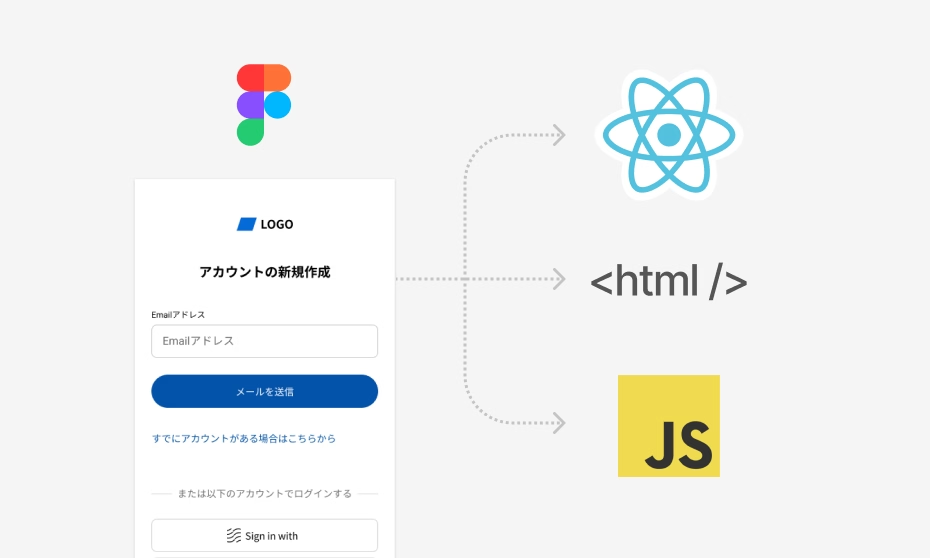
One of Serendie UI’s strengths is that Figma components (design) and React components (implementation) are provided as a pair. By combining the Figma MCP Server with the Serendie MCP Server, you can implement designs created with the Serendie UI Kit quickly and with high quality.
Using the Figma MCP Server, AI agents can read design data (layer information). This means you can simply say “Implement the currently selected Figma design using Serendie UI” and the AI agent will autonomously set up Serendie UI, learn how to use the various components, and generate high-quality code suited to your project environment.